WhatsApp Cloud SMS Verification Tutorial
WhatsAPP User Guide6 viewsUpdated at 10/9/2026
1. Open the cloud SMS receiving link (sent by customer service or found in the order details)
Example:
http://whatsapp.metaspanmall.com/Index.html?number=14188000***&signature=bb231984f2a00b3f687d13c266abf4e8
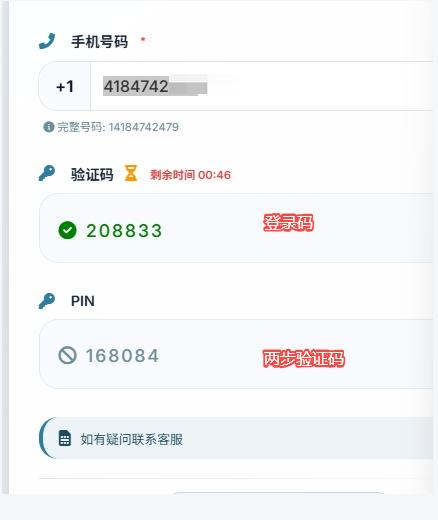
After opening, it will display
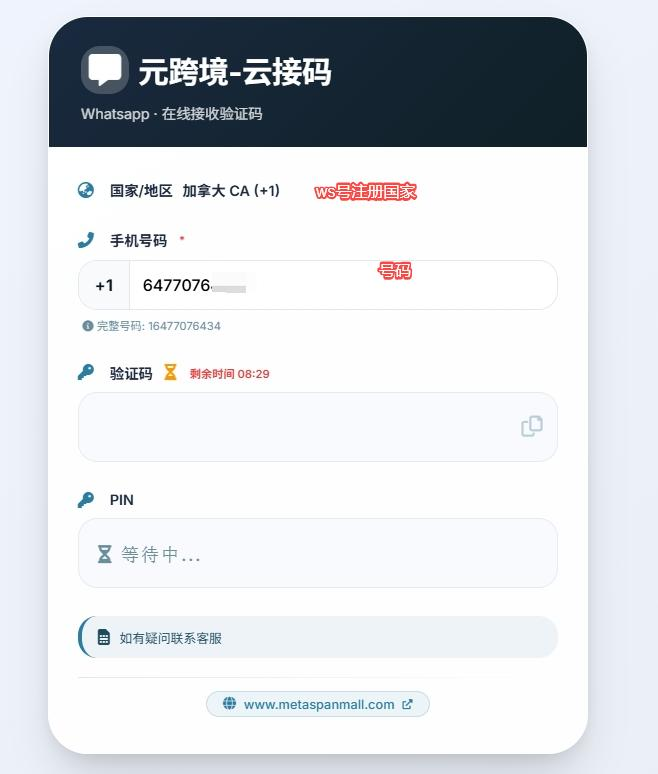
2. Run the WS app on your phone and follow the steps shown in the image
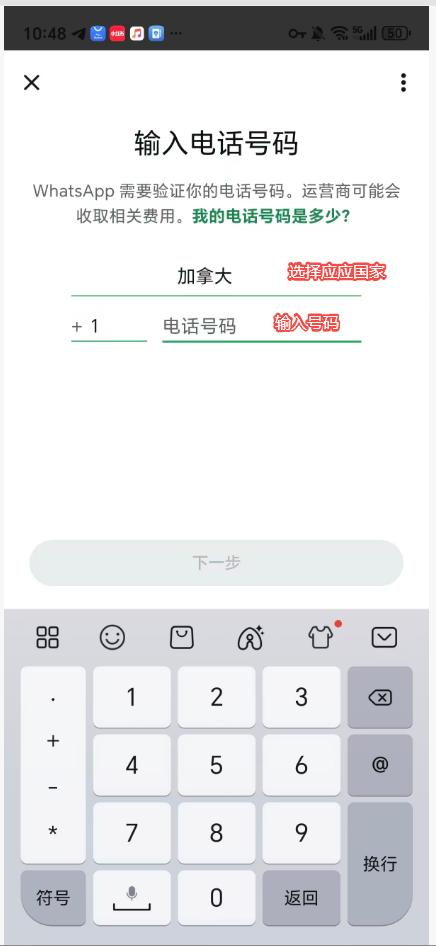
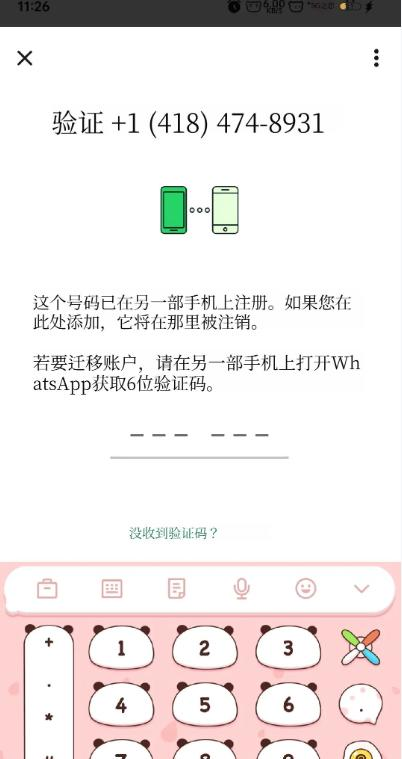
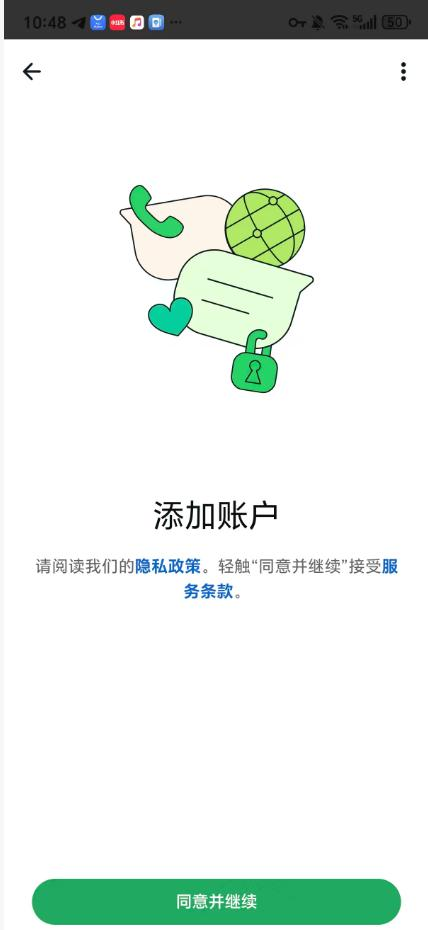
Then return to the website to receive the code
3. Enter the login code and the two-step verification code as prompted on the website in order to log in successfully
Note: If there is no two-step verification code, you will be logged in directly, and you can enable two-step verification later
Was this article helpful?