Metaspanmall Introduction
Introduction to the main interface of the Metaspanmall
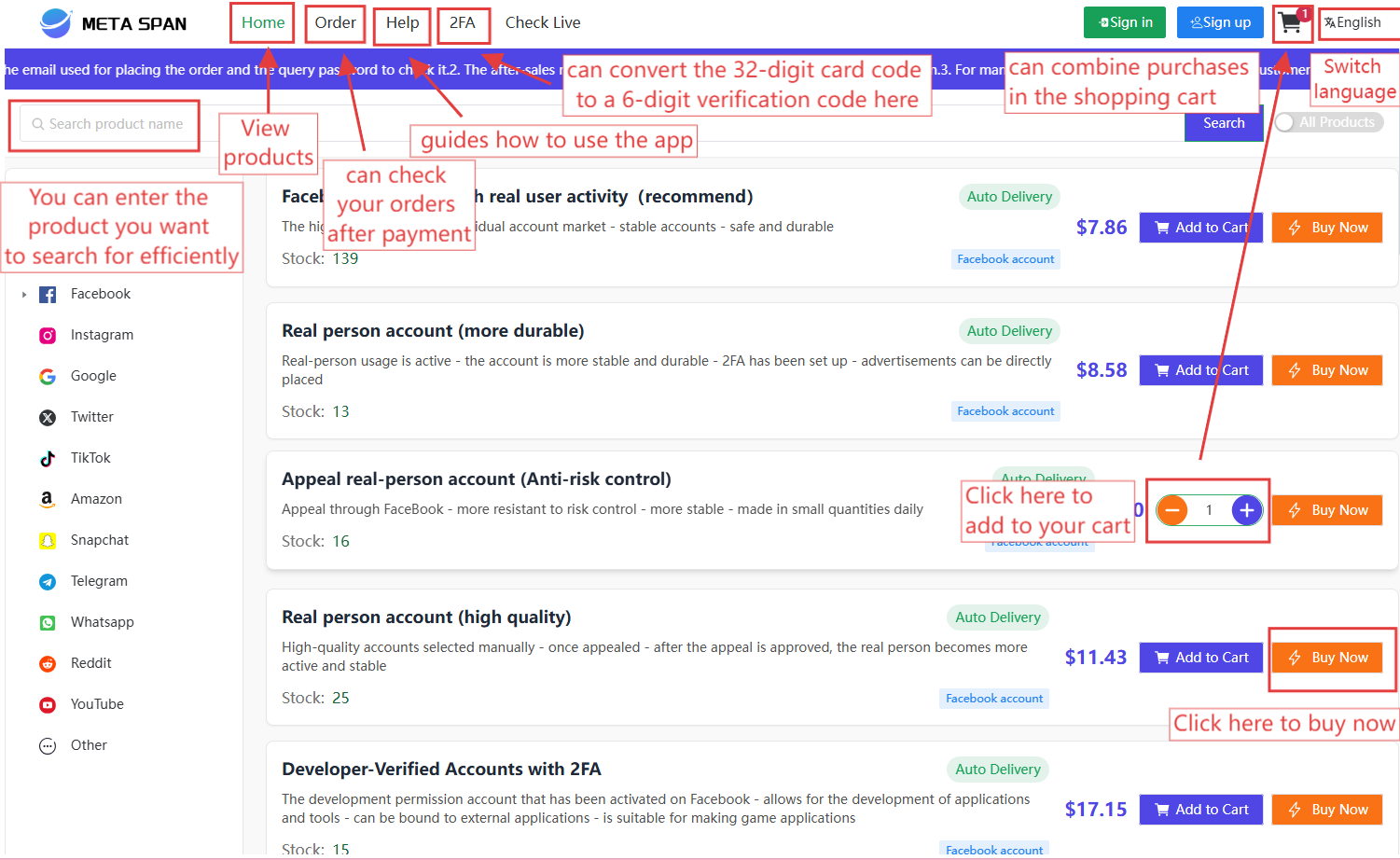
I. SIGN IN
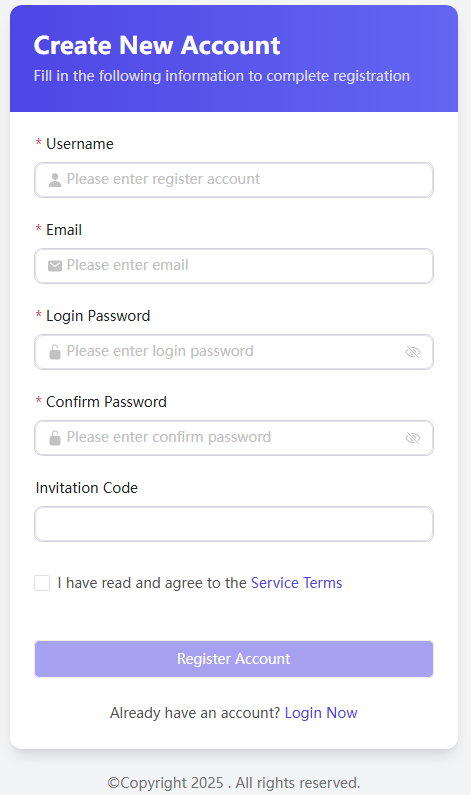
- Username: Must be 6 to 16 characters long. You can use your email address as your username.
- Email: Please enter a frequently used email address.
- Password: Your password will serve as your login credential. Please keep it in a safe place and ensure you remember it. For account safety, your account will be temporarily locked after 5 consecutive failed login attempts.
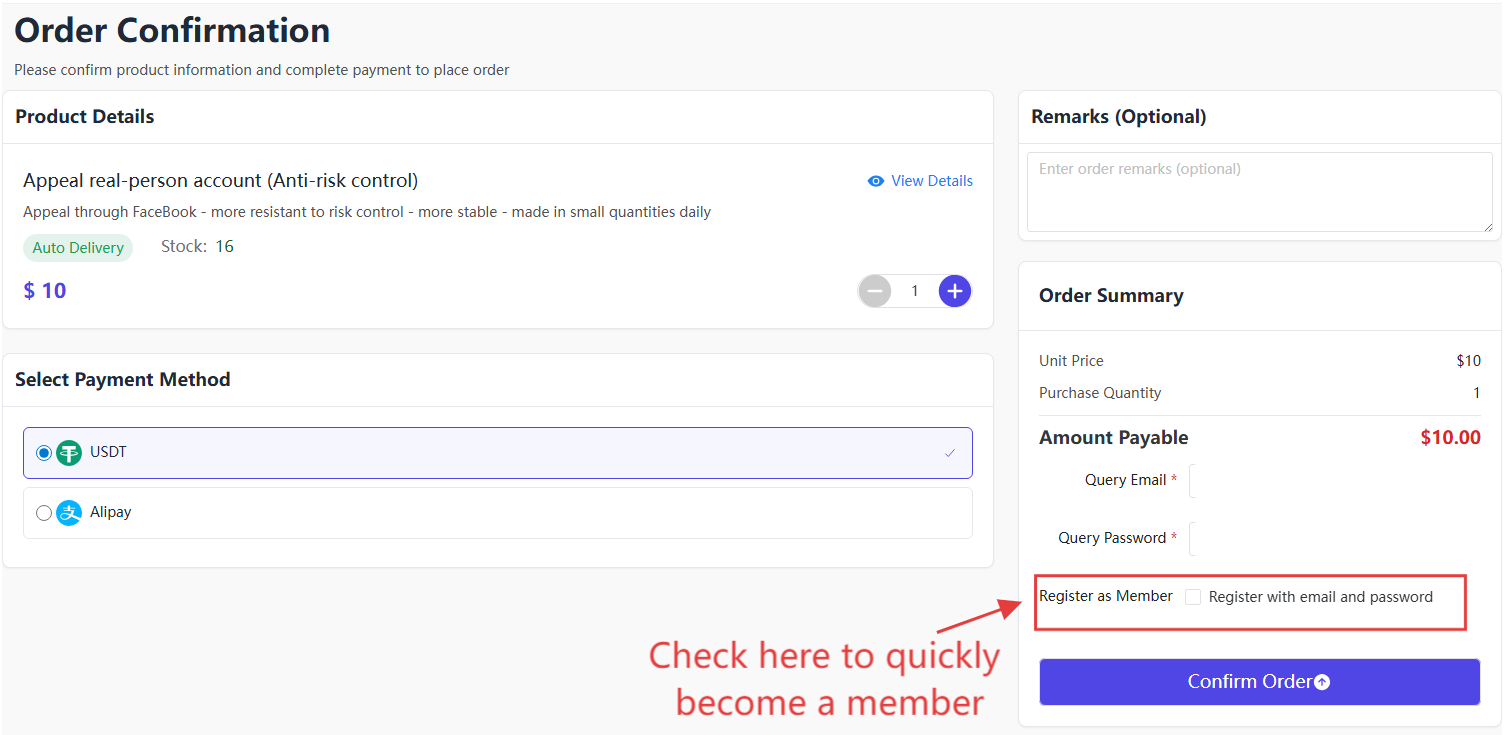
You can also register directly from the product detail page. By checking the "Register as a member" option, the system will automatically use your contact email as the username and your query password as the login password for future access.
II. LOG IN
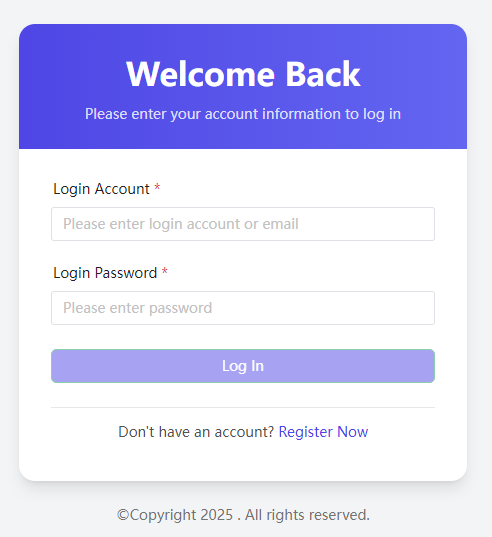
Enter your registered username and password to log in.
Warning: 5 consecutive incorrect password attempts will temporarily lock your account.
III. BALANCE
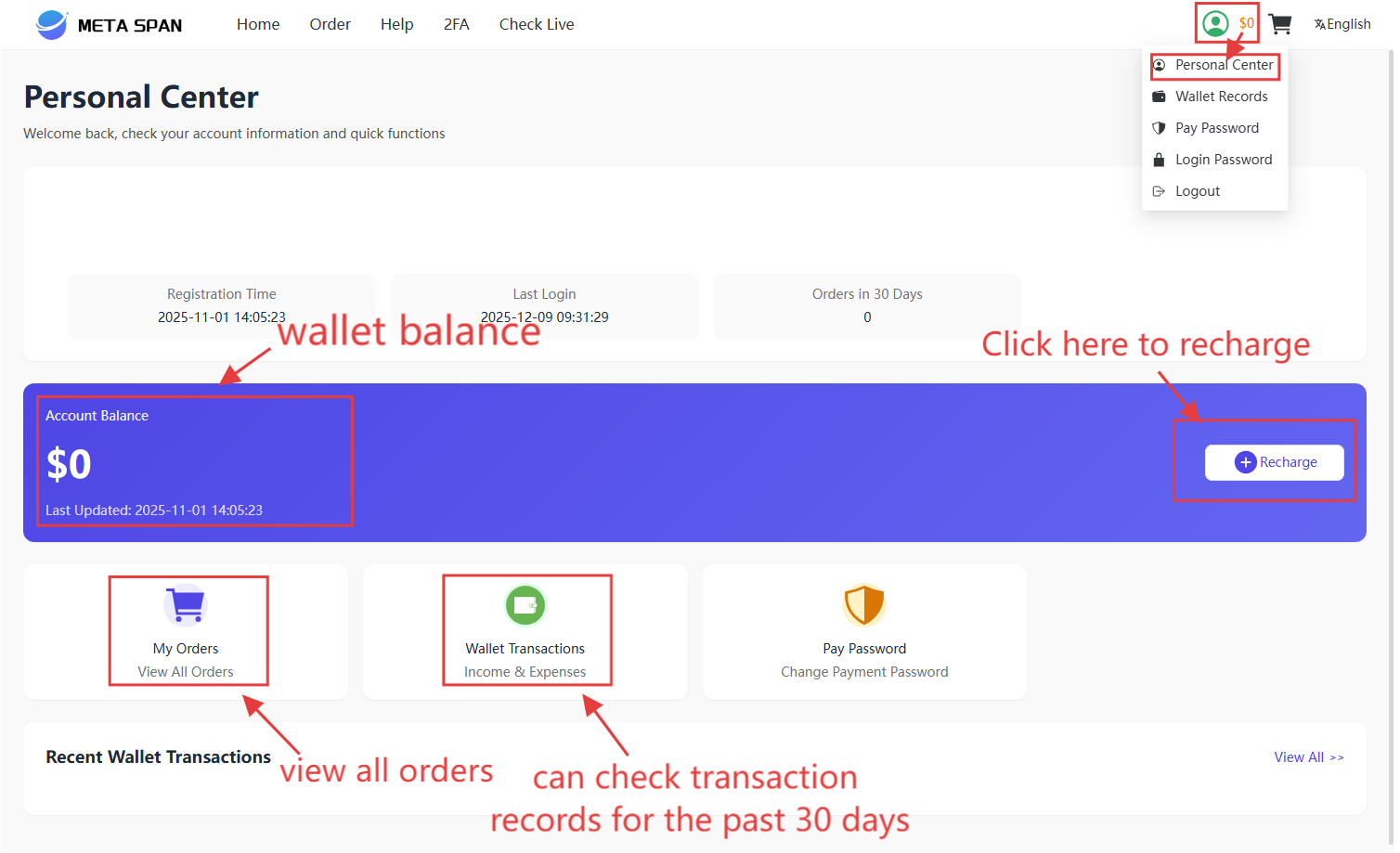
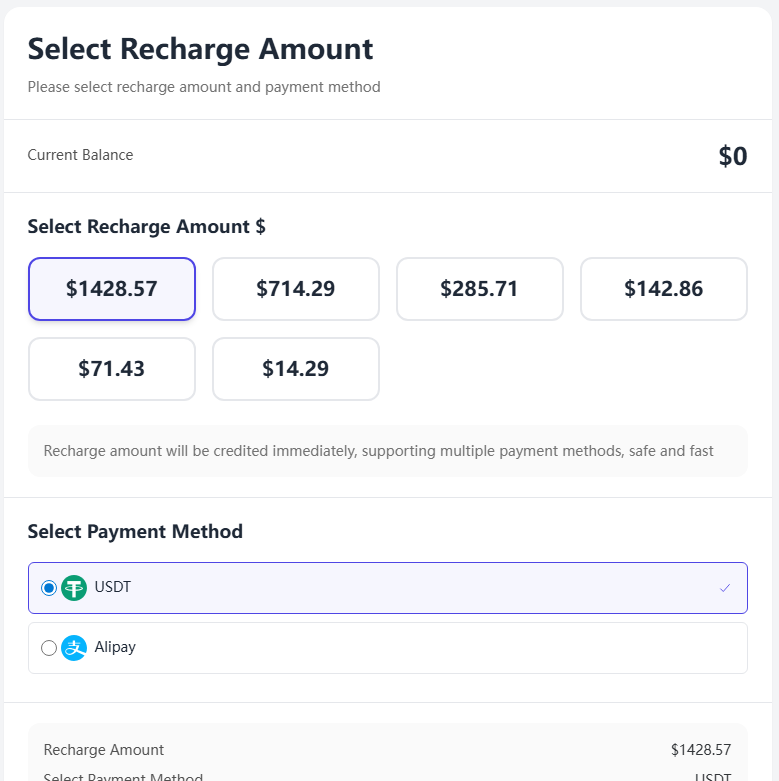
The personal center mainly includes functions such as the wallet and changing password. Add funds to it and use the balance for purchases in our marketplace.
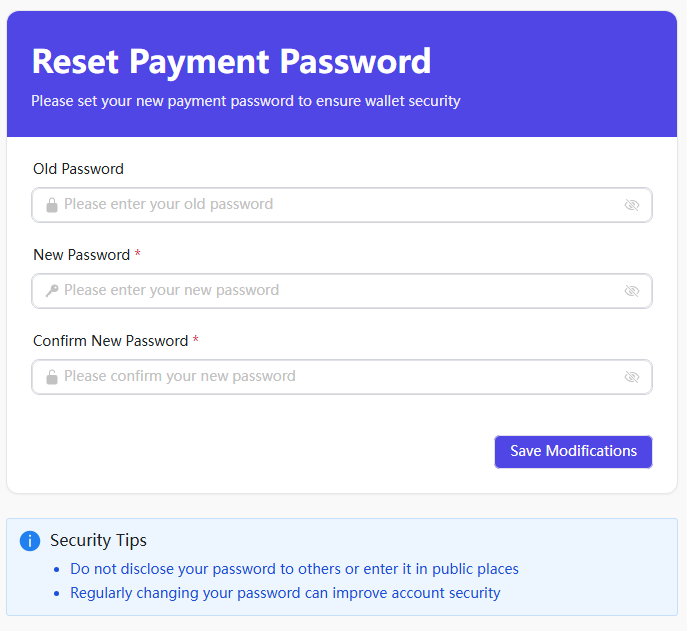
At the same time, you can set a payment password for your account to protect its security further.
IV. HELP
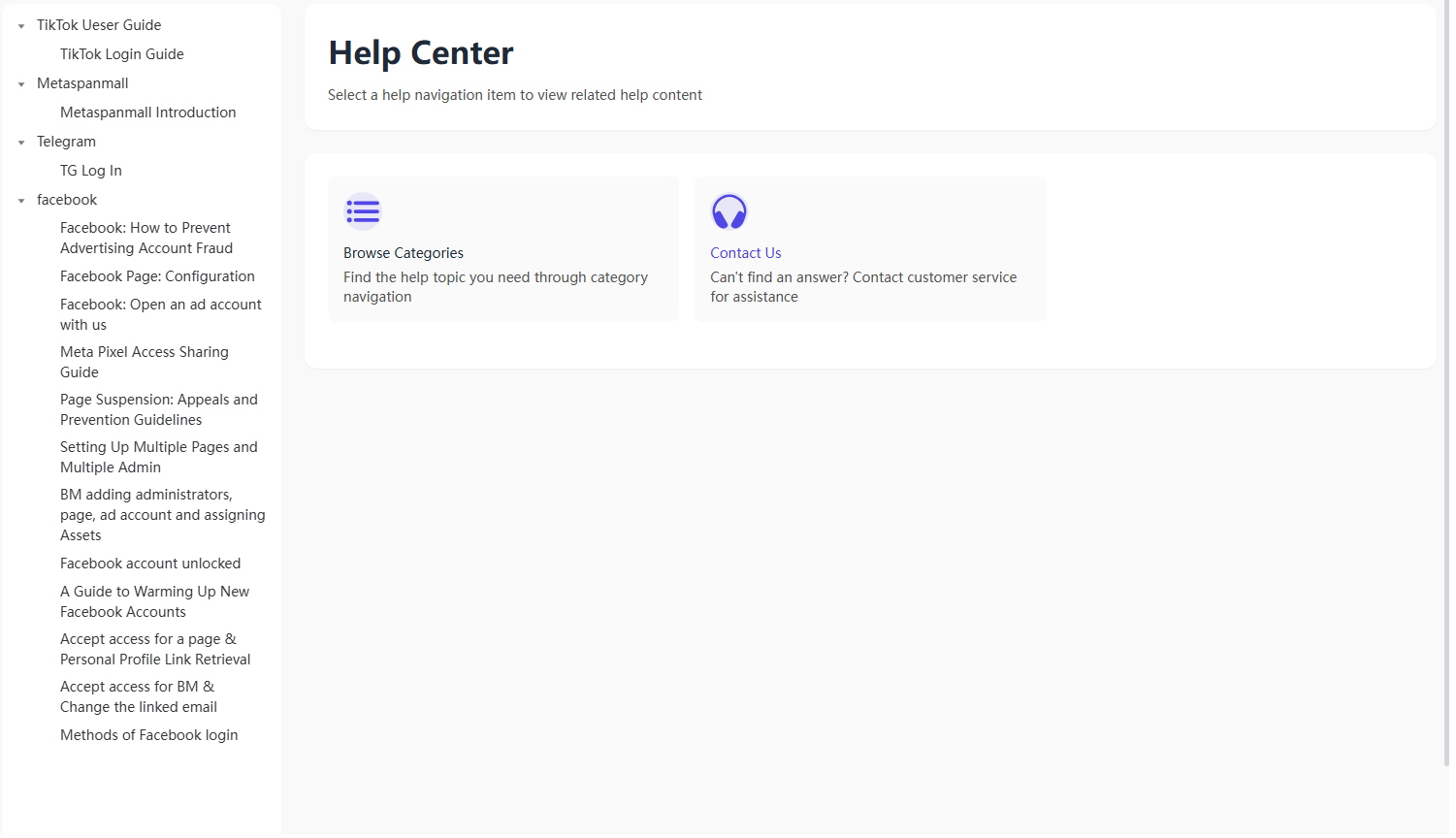
In the Help Center, you can find basic guides for managing your account. You can switch between Chinese and English versions of the guides using the language toggle in the top-right corner.
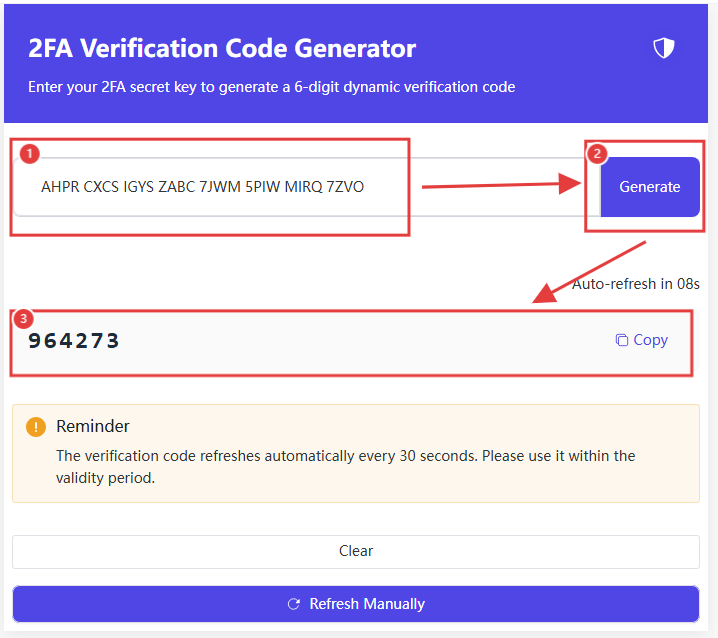
V. GET 2FA
You can copy the 32-digit dual key into the field, click “Start Generating Codes,” and then copy the generated verification code to the corresponding verification interface.
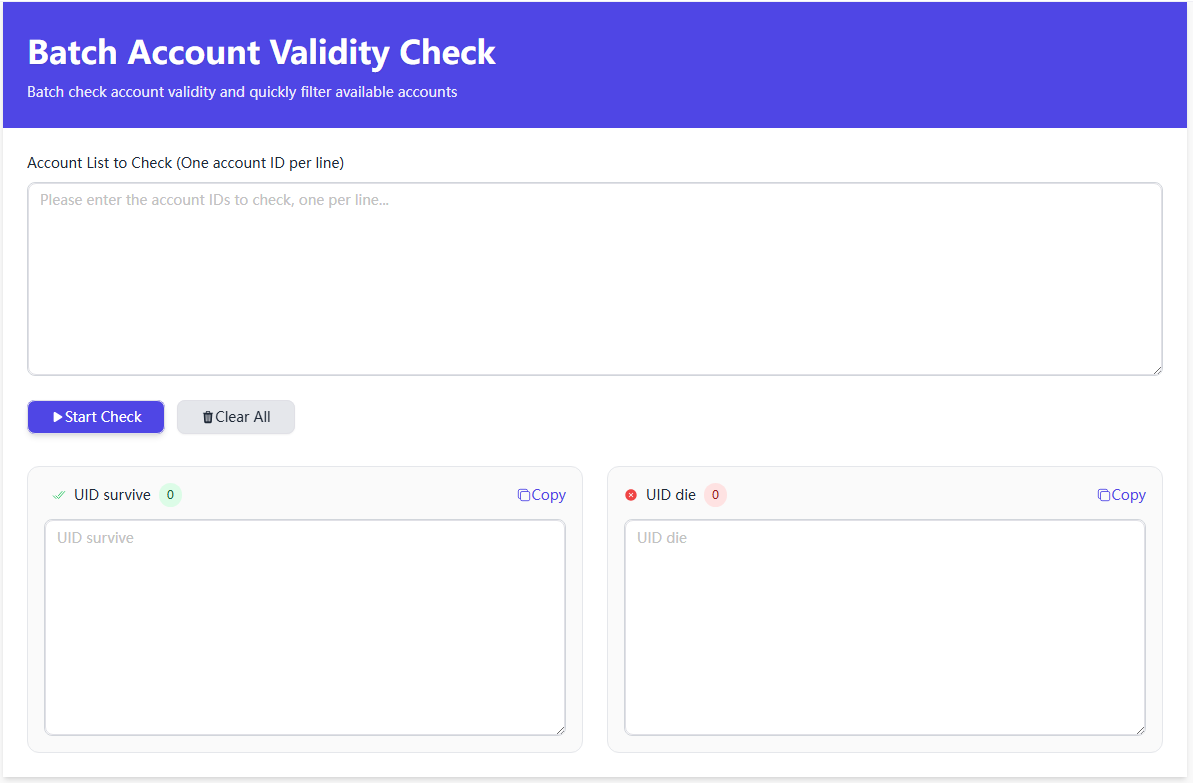
VI. CHECK UID FACEBOOK
You can check the activity status of Facebook accounts here. Enter the Facebook IDs to be checked into the field and click “Check Activity” to verify the UID status.
Was this article helpful?