Facebook account unlocked
Facebook account unlocked
I. Account Restriction Categories
Facebook account restrictions are primarily divided into two types: Temporary Lock and Account Disabled.
1. Temporarily Locked
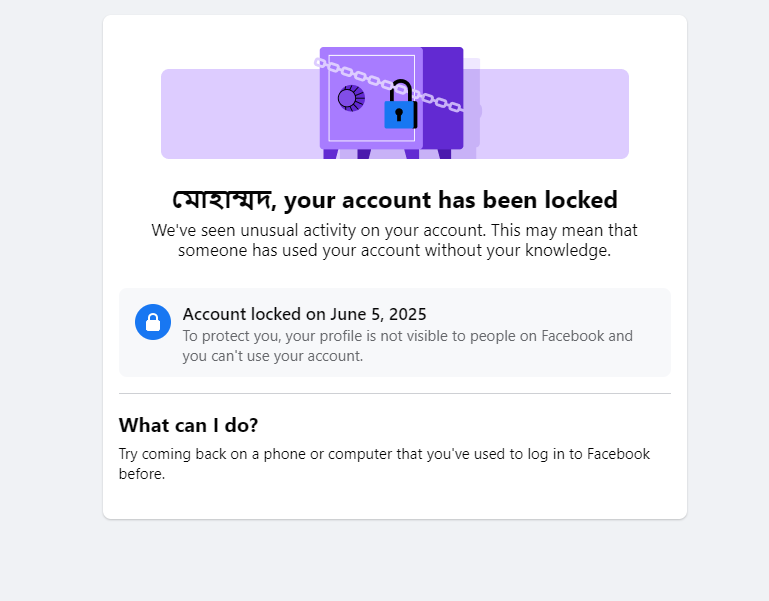
A temporary security lock is often triggered when Facebook's system detects certain unusual activities, aiming to protect account security.
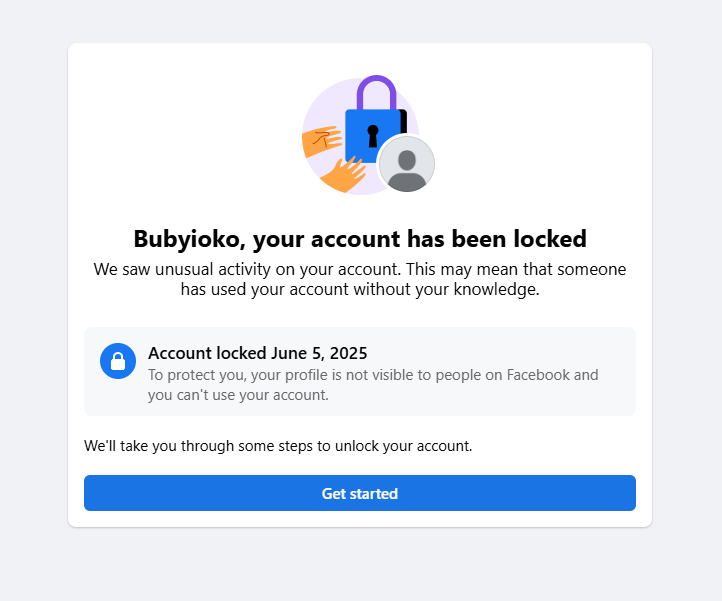
Common scenarios that trigger this security lock include:
- Unusual login behavior: Examples include logins from different geographic locations in a short period or frequent IP address changes. Such activity may cause the system to suspect that the account has been compromised.
- Rapid, High-Volume Activity: Rapidly adding many friends, sending numerous messages, or spiking post frequency can be flagged as bot or spam-like behavior.
- Signs of Potential Hacking Attempts: Facebook may preemptively lock an account as a protective measure when it detects suspicious activity.
2. Suspend & Disabled
In contrast, account disablement is a more severe measure, typically indicating that your account may have violated Facebook's core rules.
Common reasons leading to account disablement include:
- Posting content that doesn't follow Community Standards
- Misrepresenting your identity in order to to mislead or deceive others, evade enforcement or violate Community Standards, including impersonating someone
- Contacting other people for the purpose of harassment, advertising, promoting or other conduct that's not allowed.
- Operating multiple accounts from the same device or IP address, if deemed to belong to a single user, is considered a policy circumvention attempt and may result in account disablement.
2.1 Suspended
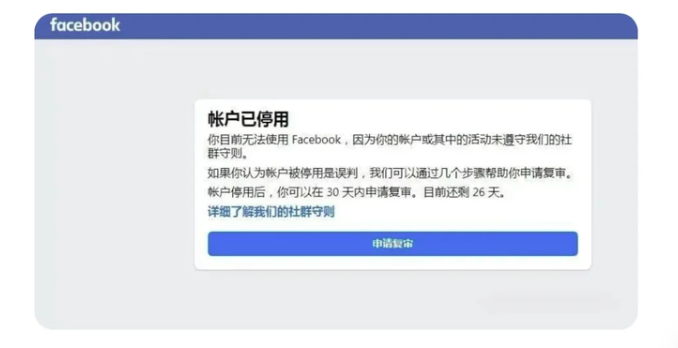
Once an account is temporarily suspended, recovery is typically only possible by submitting an appeal within 180 days. The success of the appeal depends on the severity of the violation and the adequacy and credibility of the information you provide.
2.2 Disabled
Facebook may disable your account without suspending it first, such as in cases of severe or time-sensitive violations. This action, typically reserved for the most critical breaches, offers no appeal or verification process. Recovery prospects in such cases are minimal, underscoring that strict adherence to platform policies remains the only reliable safeguard against permanent loss.
II. Resolution
1. Reversing a Temporary Lock
If your account is temporarily locked, you can try the following solutions: First, clear your browser's cache and history, wait for 96 hours, and then attempt to log in. After logging in, follow the official guidance to complete the verification steps. Below is an example process using email verification:
1. Click “Get started”
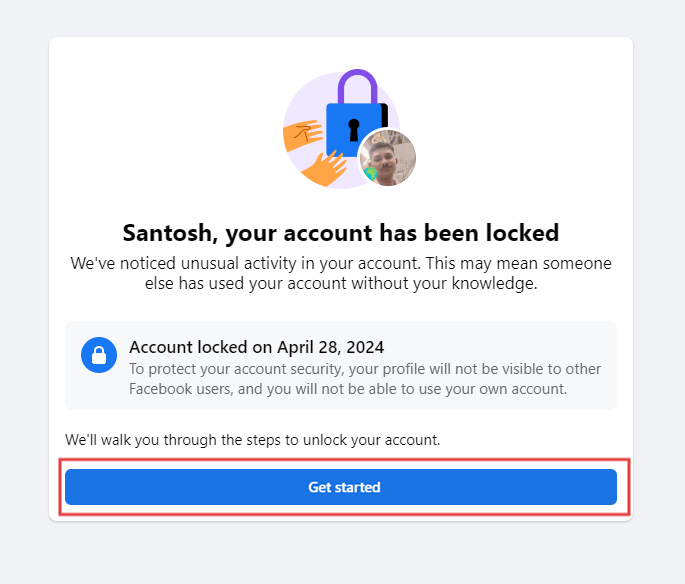
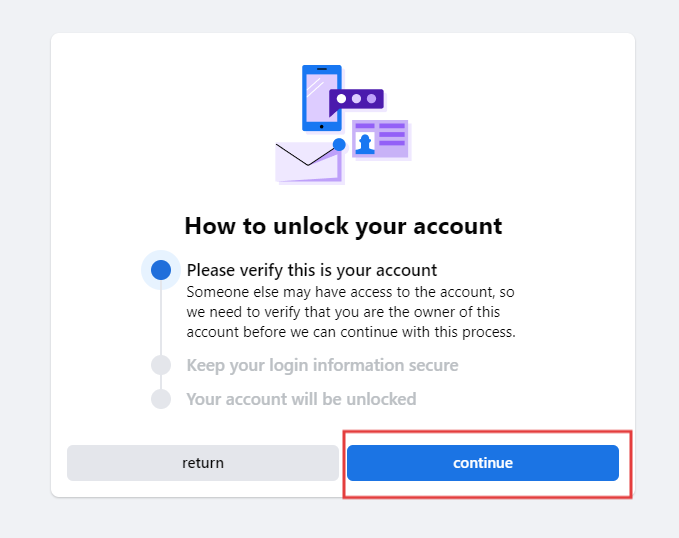
2. The first step requires verifying this is your account. Click "Continue"
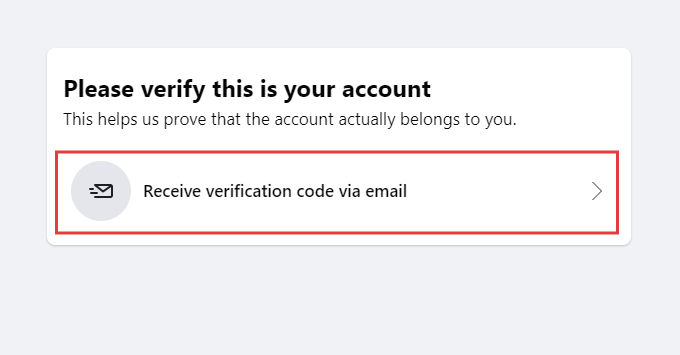
3. On the next interface, click "Receive verification code via email".
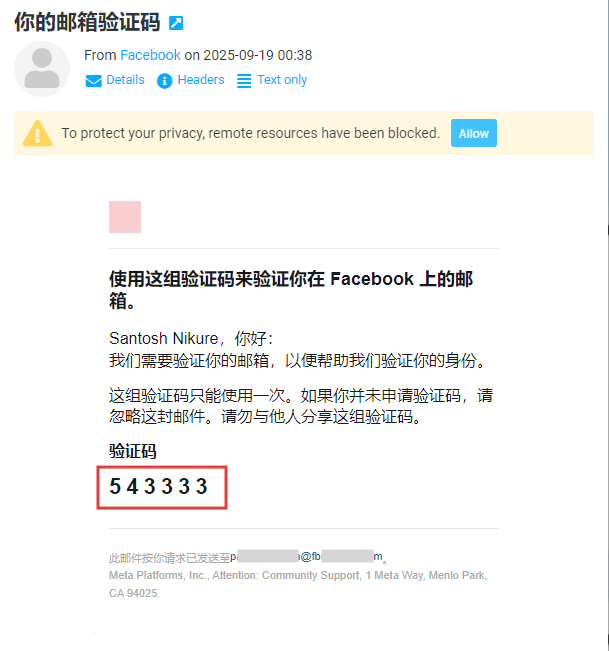
4. Select the email address to receive the verification code and click "Continue". Facebook will send the code to your inbox; open your email to retrieve it.
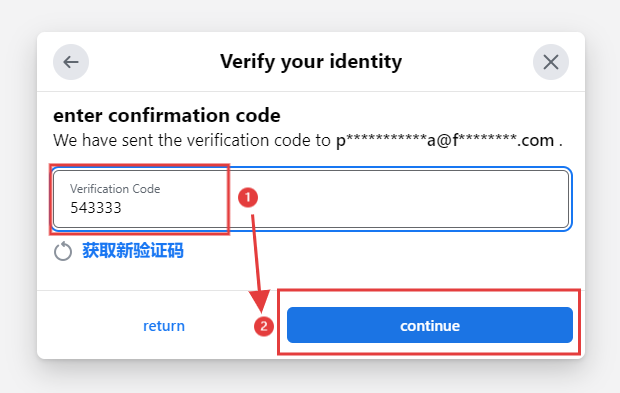
5. Find the message from Facebook, copy the verification code, return to the verification interface, enter it into the "Verification code" field, and click "Continue".
6. The second step is to keep your login information secure.Click "Continue".
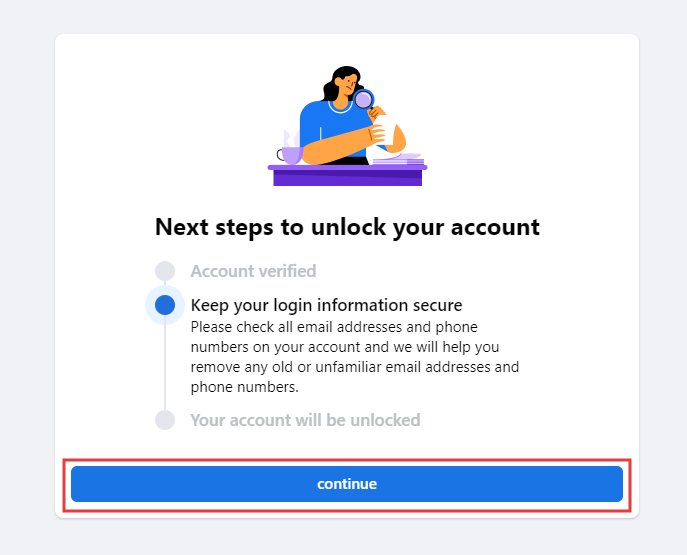
7. Click "Continue". On the next interface, click "Continue" again.
8. Unlock Complete.
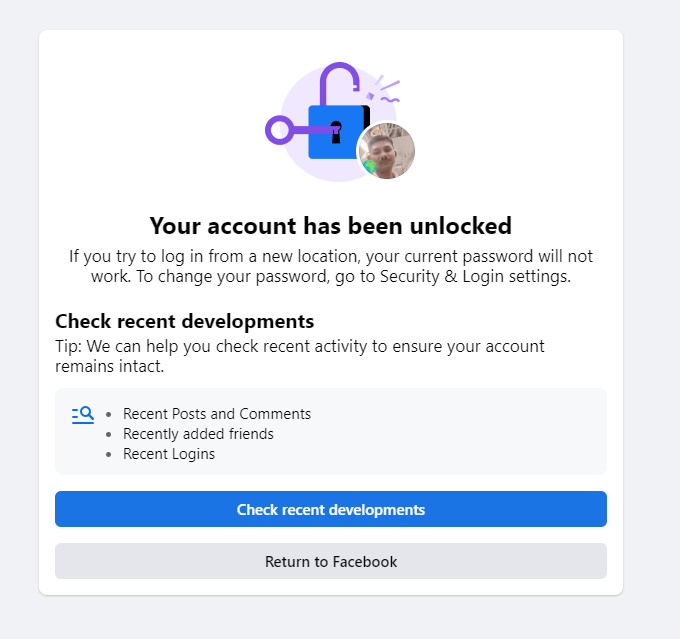
If you don't get a code to confirm your account:
- Wait before retrying: If you've requested multiple codes, wait at least a day before submitting another request, as codes can sometimes be delayed.
- Verify contact information: Ensure you are checking the correct phone number or email address associated with your account, including spam or junk folders.
- Check your device: For SMS codes, confirm your phone is not blocking messages, has a stable network connection, and sufficient storage. Restarting your device may help.
- Contact your carrier: If issues persist, inquire with your mobile provider whether your plan supports receiving verification messages.
2. Appealing an Account suspended
If your account is temporarily suspended, you can appeal for restoration. When submitting the appeal, note the following:
- Explain Sincerely: Calmly clarify any misunderstanding, or honestly acknowledge unintentional violations while affirming your commitment to complying with rules.
- Submit Required Materials: Provide your registered name, email, or phone number. In some cases, upload identification (e.g., ID card, passport, driver's license) to verify your identity and account ownership.
- Email Directly: You may also send an appeal to Facebook’s support email. Note that response times and outcomes are not guaranteed. Clearly describe the situation, include account details and IDs, and maintain a polite tone.
Was this article helpful?