Accept access for BM & Change the linked email
facebook7 viewsUpdated at 10/9/2026
Accept access for BM & Change the linked email
1. Accept the administrator invitation from BM
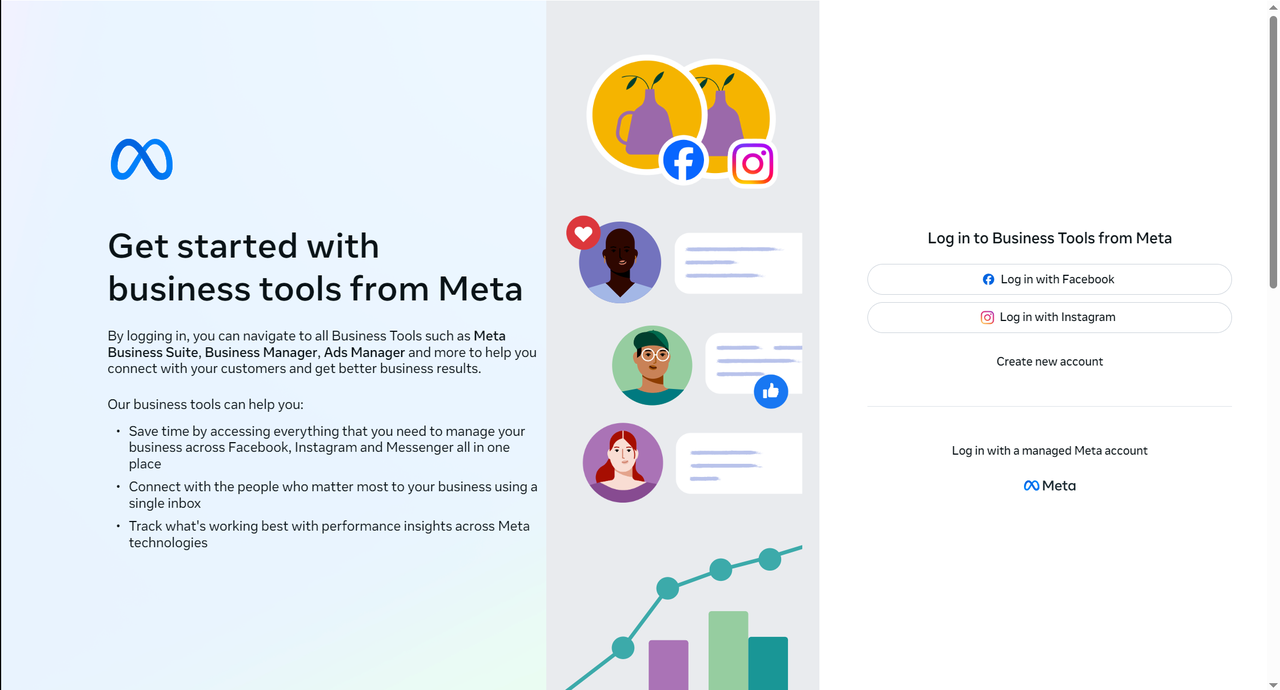
Get the BM invite link and copy it to your browser. Log in to your Facebook aacount in your browser first so that the BM invite link can be recognized to the invitee's account.
Fill in the box with the name of the invitee's Facebook account and click “Continue” - “Accept Invitation”.
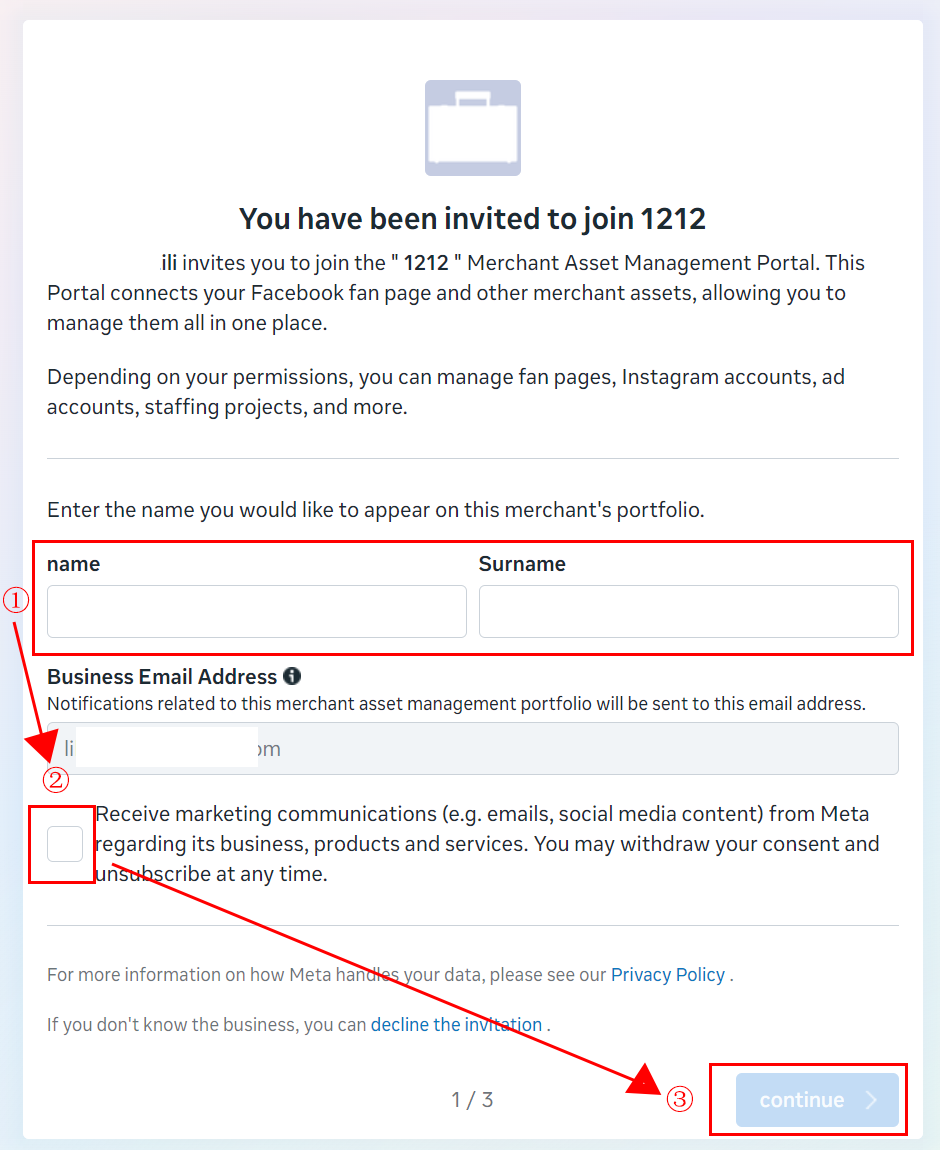
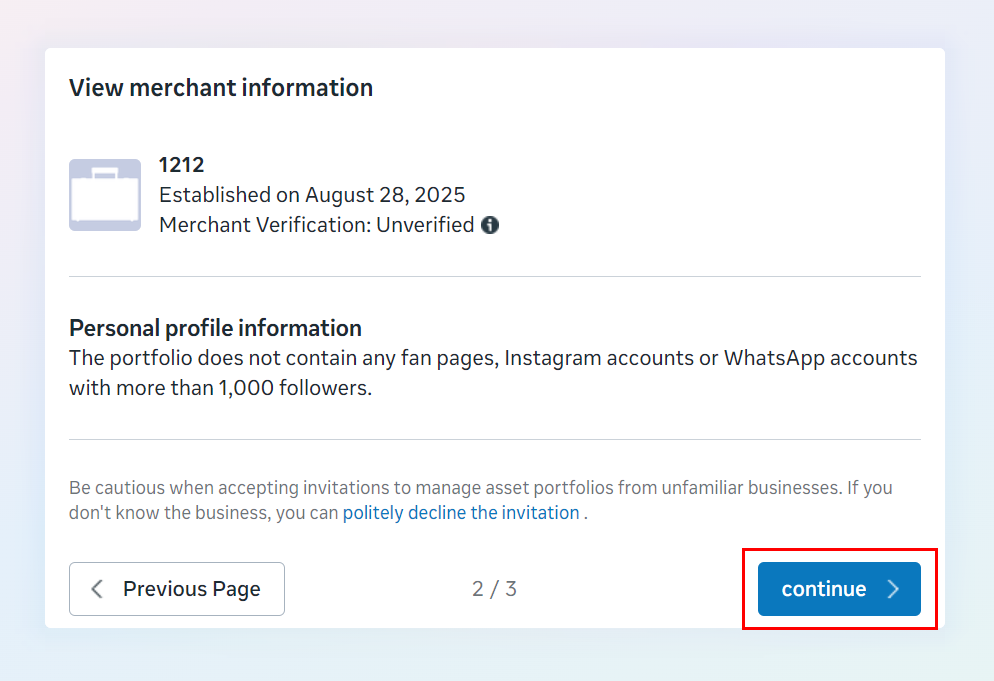
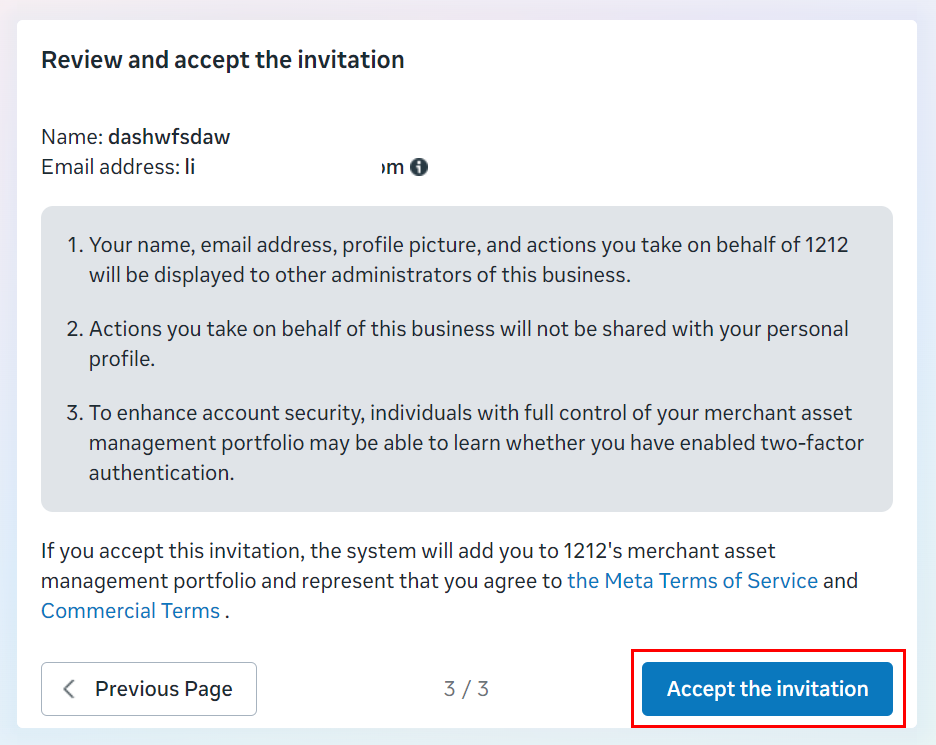
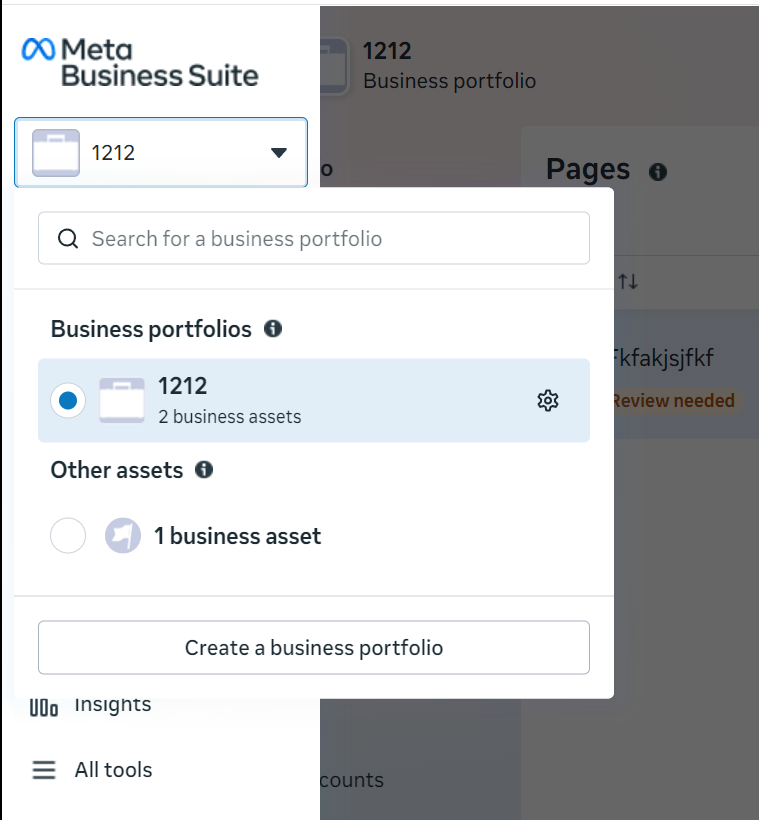
Once connected, go to Business Manager and select the relevant BM to view its assets.
2. Access Review
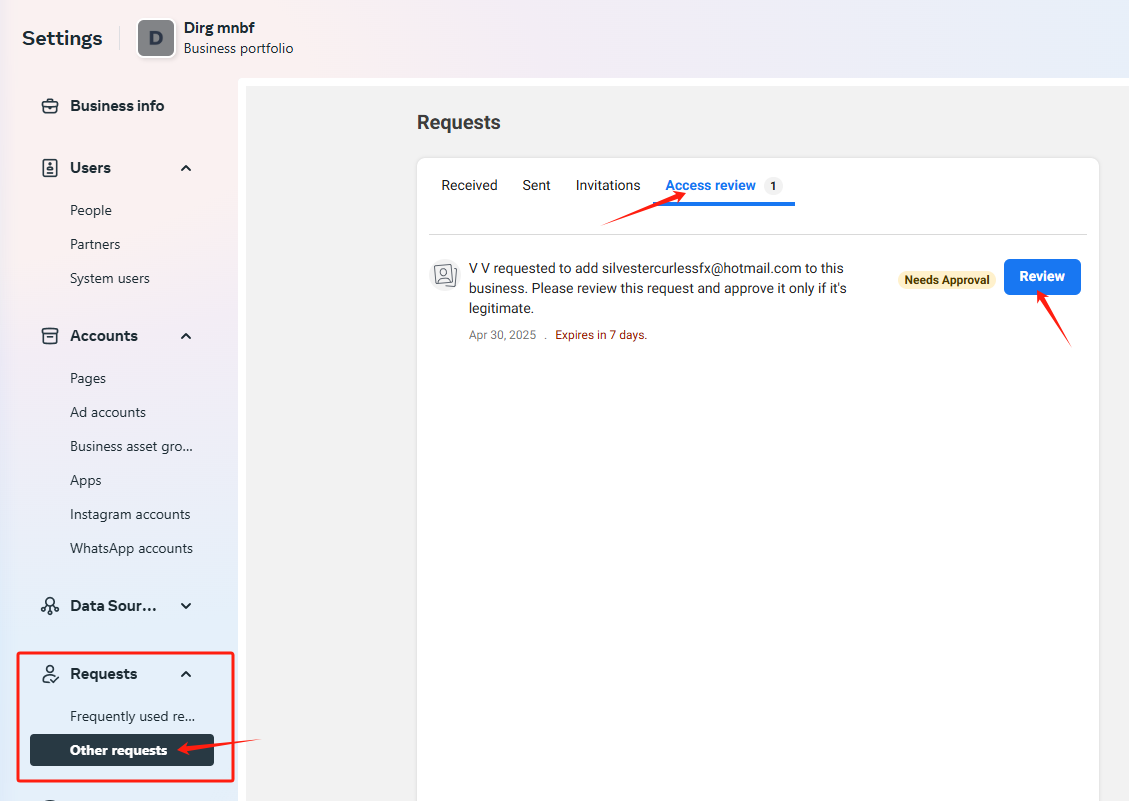
Approval information can be found by following these steps requests -> other requests -> access review
Change the linked email
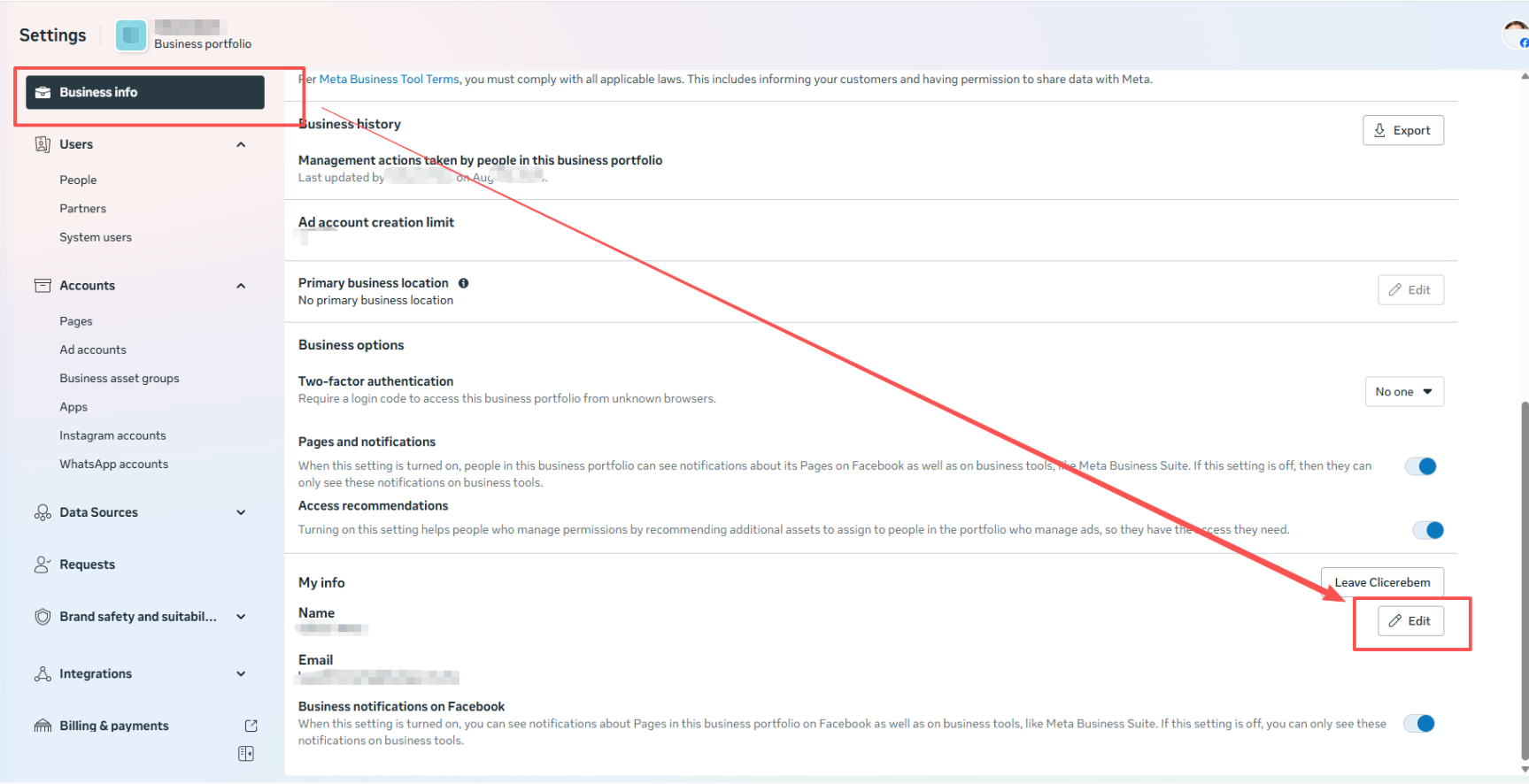
Enter BM → Business Info → Edit
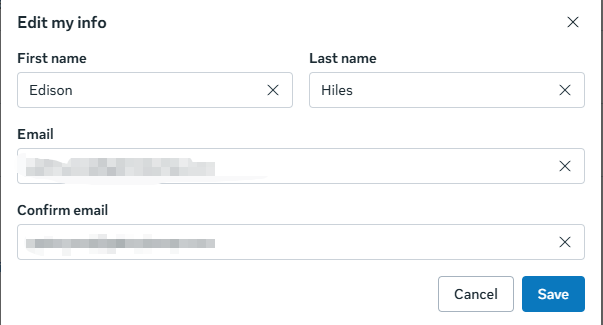
Change the bound email to your own email
Was this article helpful?